Beyond the feed.
Receive push notifications without waiting for a Facebook post to appear in your feed.
Western New York. Direct to your phone.
Follow the places and departments that matter to you. RAVEN brings WNY Incident Alerts to your phone—without waiting for the social feed.
Free to download. Free to use. No subscription required.
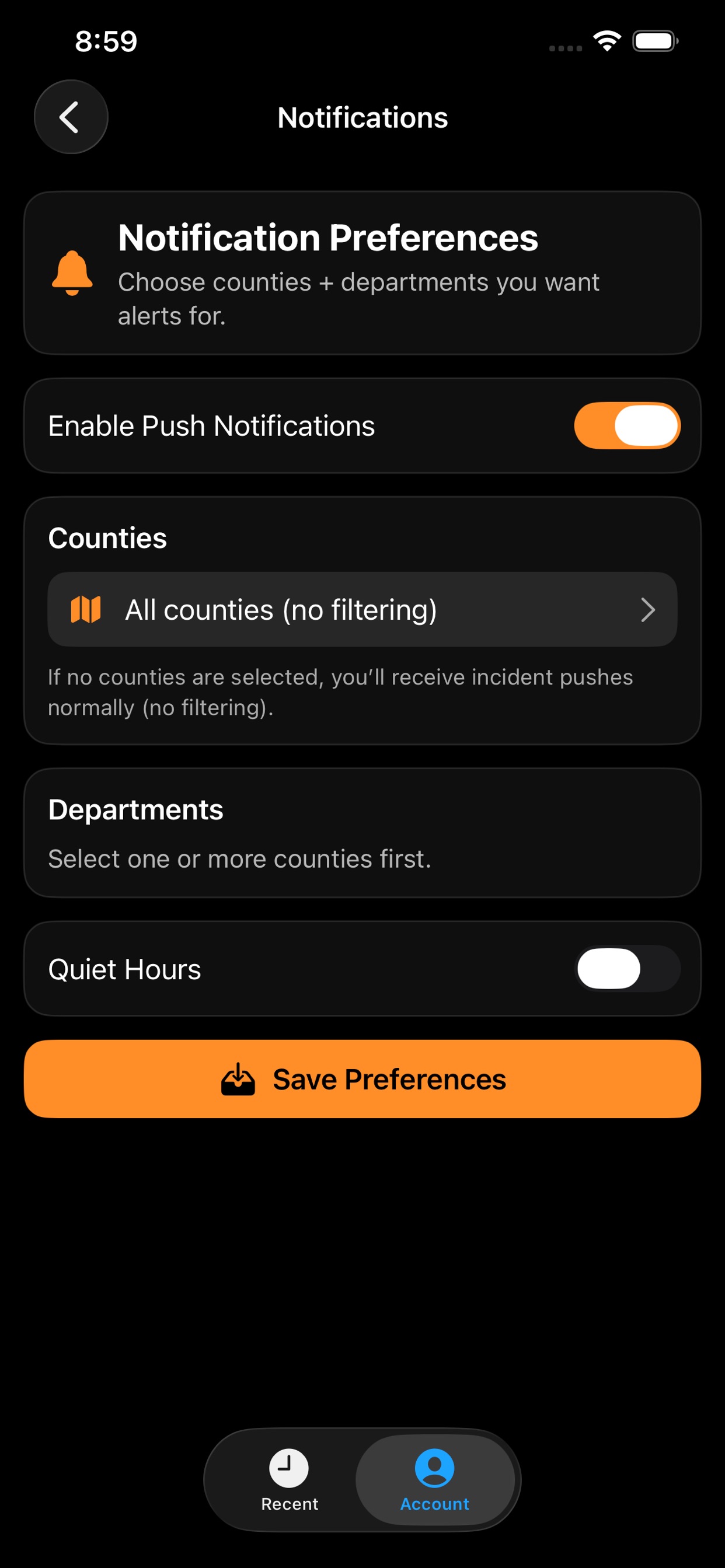
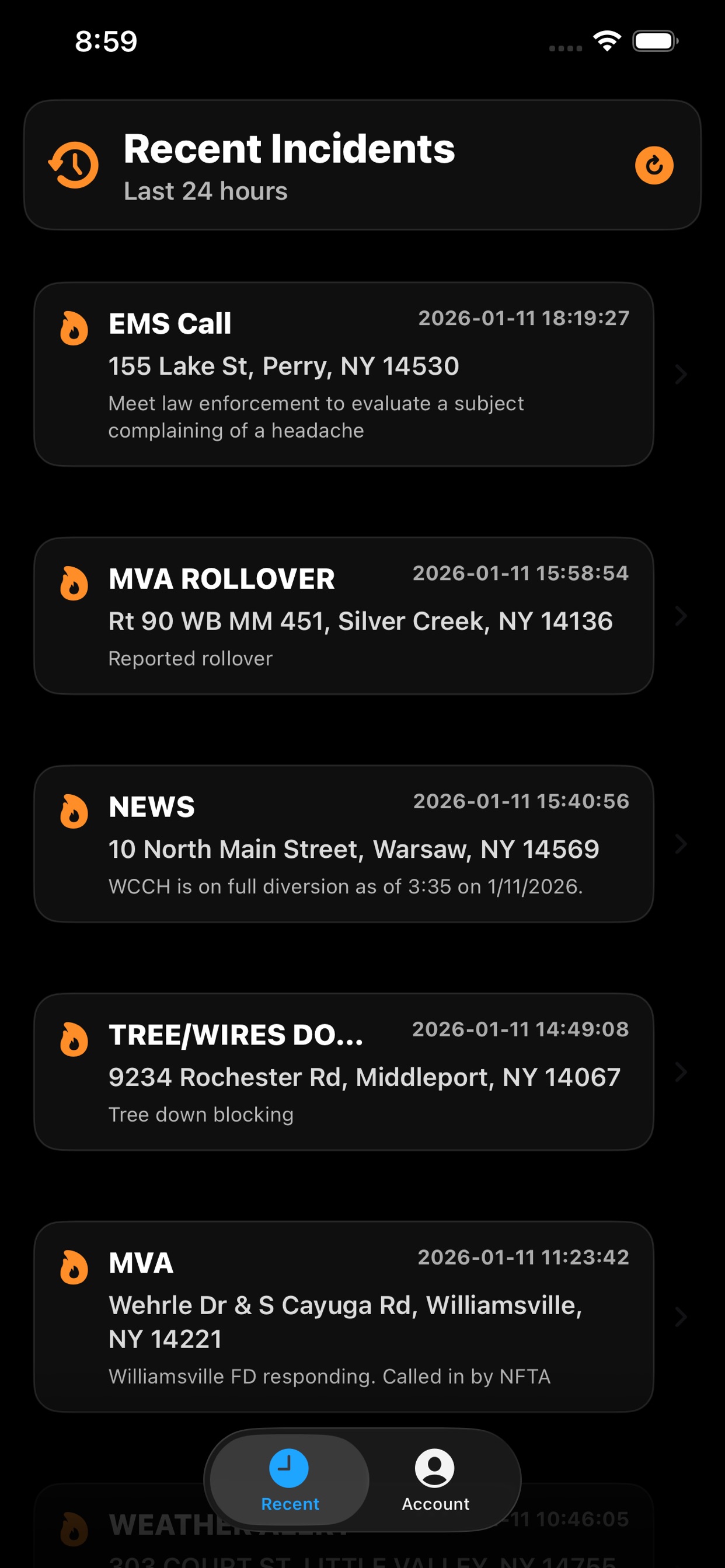
Actual RAVEN app screens
Less searching. More context.
You decide what to follow. RAVEN brings the available incident information into one place.
Receive push notifications without waiting for a Facebook post to appear in your feed.
Select the counties and individual departments that matter to your family, work, or community.
Open an alert for the available incident details and mapped location.
Downloading is just the beginning
Download RAVEN, then register or sign in.
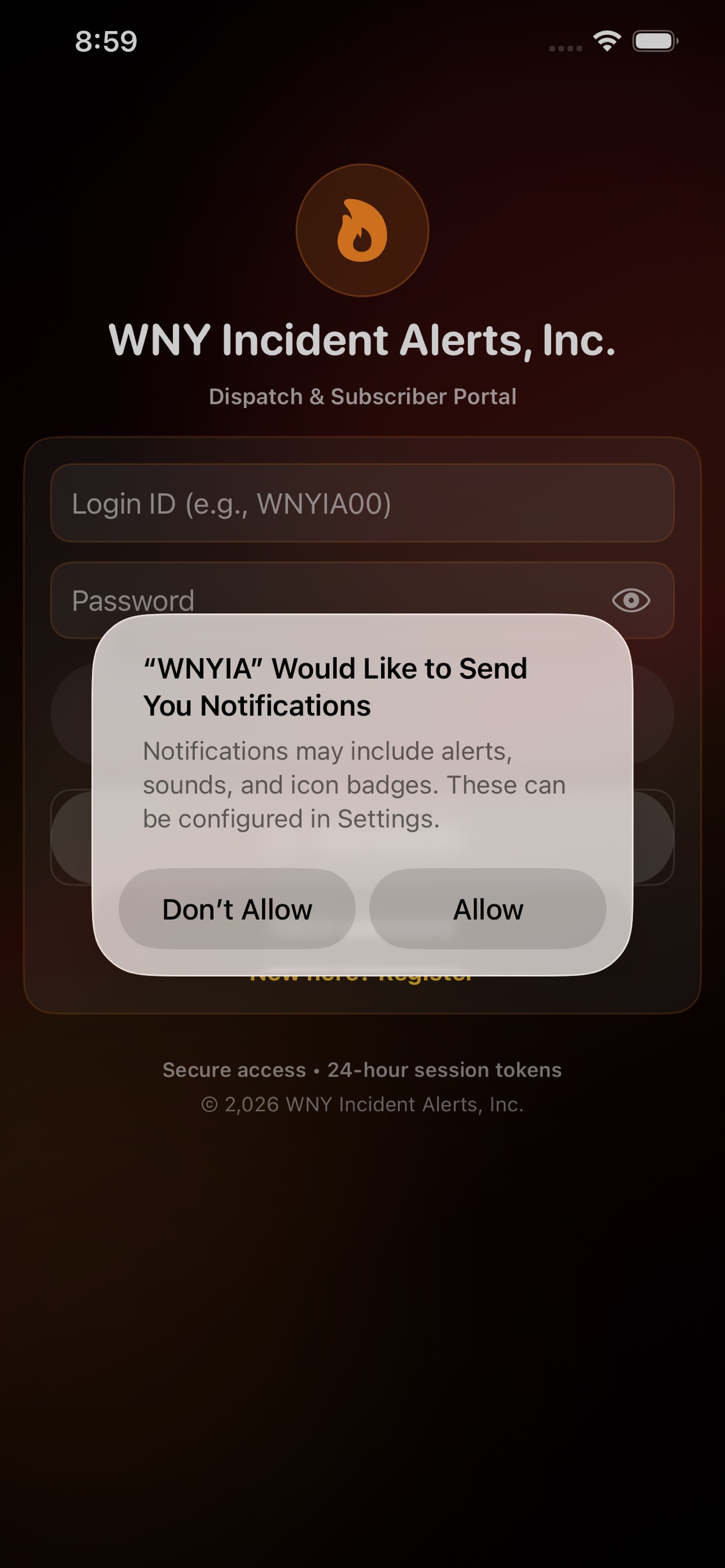
Give RAVEN permission to send alerts to your phone.
Select your counties, departments, and notification preferences.
A real team behind the app
Get setup guidance, review common questions, or reach the WNYIA team.
Ready when you are
Get RAVEN for iPhone or Android, then complete your setup.
Already installed? Open RAVEN